Connect Messenger
After this guide, every message that lands in your Facebook Page's Messenger inbox gets answered by your agent — automatically, and recorded in your logs and analytics. Setup takes about two minutes through Facebook's own sign-in window.
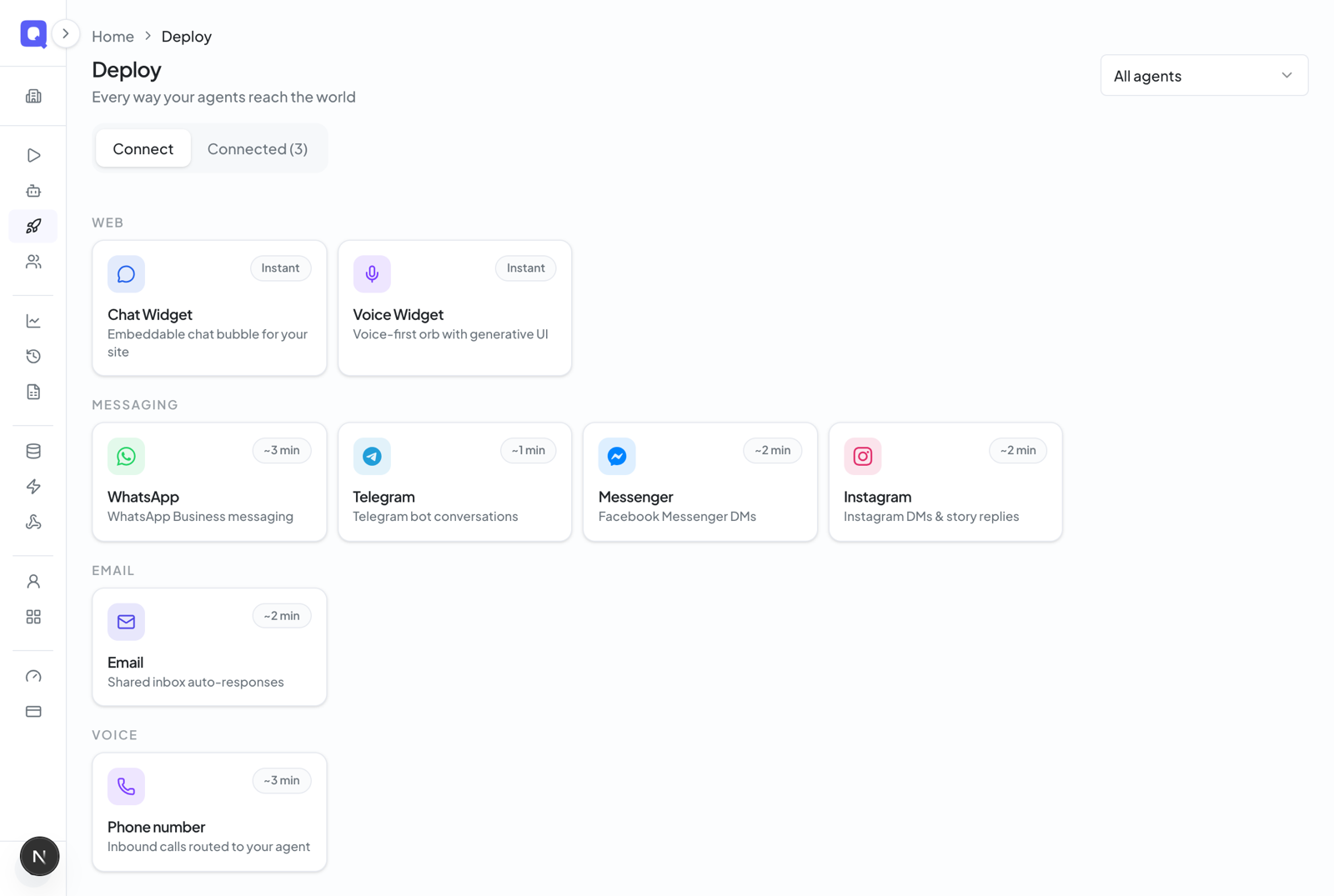
In the dashboard, click Deploy in the left menu, then Connect a channel. Under Messaging, choose Messenger. The right side shows a short How it works guide.
Give the channel a name (this is just how it appears in your dashboard) and choose the agent that should answer. If you came here from an agent's page, it's already picked for you.
Click the blue Connect with Messenger button. Facebook's sign-in window opens — log in with the account that administers your Page and approve the requested permissions. Qalyb finds your Page and switches on message delivery for you. Qalyb never sees your password.
Open your Page in Messenger and send it a direct message. Your agent should reply within a few seconds.
Reading the conversations
Connected channels appear on the Deploy page with a blue Messenger badge, the agent's name, and a status badge. Click the channel to open it:
- The Conversations tab shows each chat as a familiar thread — agent bubbles and customer bubbles, with Arabic shown right-to-left.
- The Configuration tab shows the connected Facebook Page, the channel's status, and lets you hand the channel to a different agent — the change saves automatically.
Replies are text-only for now
On Messenger your agent replies with text only — it can't send photos, voice notes, or message templates yet (those are WhatsApp features). Incoming messages are still answered as normal; only the reply format is limited.
For developers
The dashboard flow is the supported path for connecting Messenger. Under the hood it uses Facebook Login for Business: the popup returns an OAuth code, which Qalyb exchanges for a long-lived token before resolving your Page and subscribing the webhook. The finalize call the dashboard makes looks like this:
curl -X POST https://api.qalyb.ai/channels/messenger/connect \
  -H "Authorization: Bearer sk-live-..." \
  -H "Content-Type: application/json" \
  -d '{
    "agentId": "agt_abc123",
    "name": "Acme Page — Messenger",
    "code": "AQB...the-oauth-code-from-the-popup"
}'| Endpoint | Purpose |
|---|---|
GET /channels/facebook/connect-config | Returns the Meta app id and Messenger login config id used to open the popup. |
POST /channels/messenger/connect | Finalizes the connection from the popup's OAuth code (agentId, name, code). |
GET/POST /channels/webhook/meta | The shared Meta webhook for inbound messages (Messenger payloads route by page_id). |
GET /channels/:channelId | Fetch a single channel's config. |
GET /channels/:channelId/sessions | List the channel's conversation sessions. |
PATCH /channels/:channelId | Update the channel (e.g. reassign the agent; resets open sessions). |
DELETE /channels/:channelId | Delete the channel and stop inbound delivery. |