Connect Instagram
After this guide, your agent will answer the direct messages people send to your Instagram account — automatically, any time of day. You sign in with Facebook once; there are no API keys or webhooks to set up.
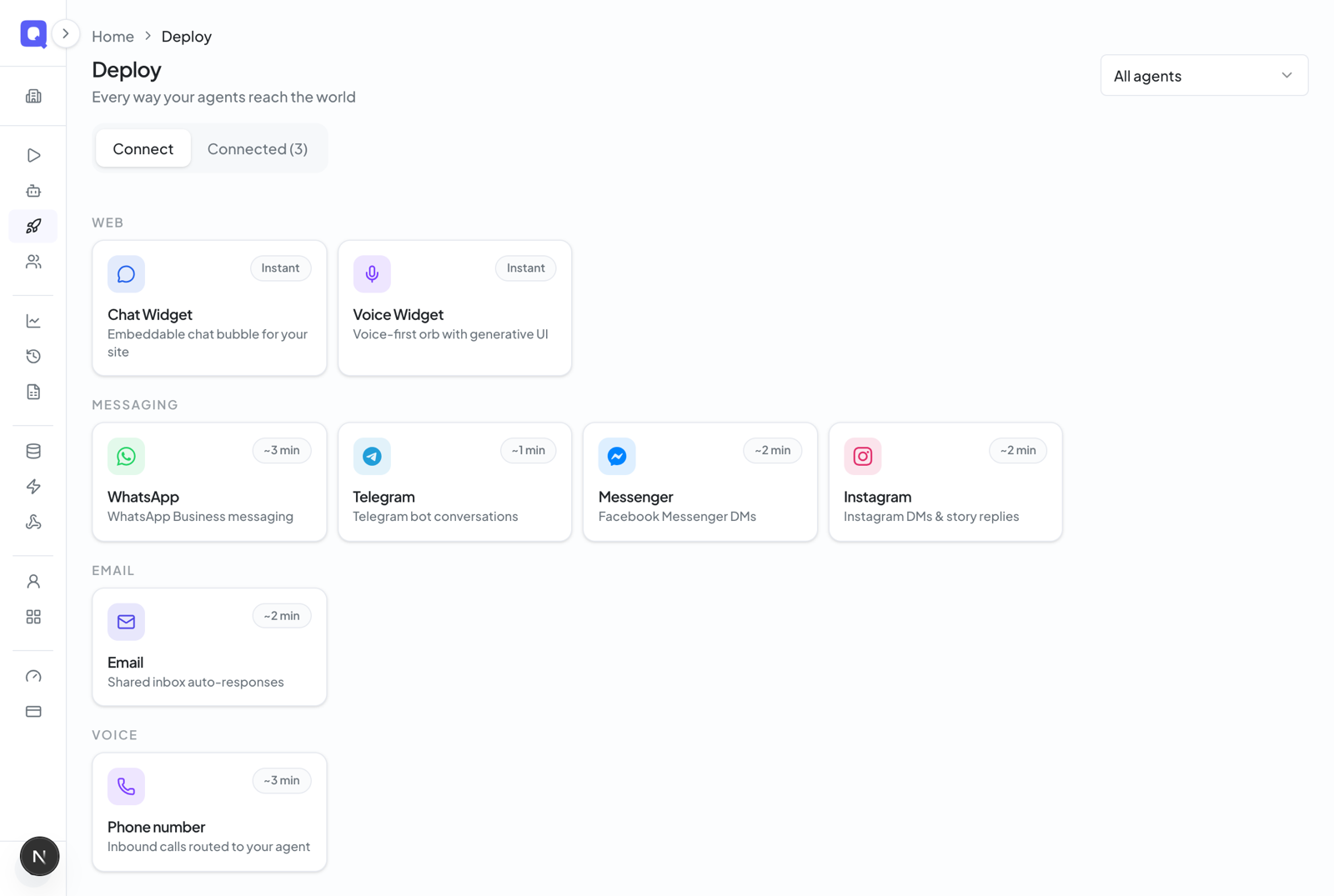
In the dashboard, click Deploy in the left menu. Click Connect a channel, and under Messaging, choose Instagram — it takes about 2 minutes from here.
Give the channel a name (this is just how it appears in your dashboard) and choose the agent that should answer the DMs. If you came here from an agent's page, it's already picked for you.
Click the pink Connect with Instagram button. A Facebook window opens — sign in with the account that manages your Page and choose the Instagram account linked to it. Qalyb finds your Instagram DMs through the Page and switches on message delivery for you. Qalyb never sees your password.
The channel appears in your Deploy list with a pink Instagram badge. From another Instagram profile, send your account a direct message — your agent should reply within a few seconds.
Reading the conversations
Click the Instagram channel on the Deploy page to open it. The Conversations tab shows every DM session as a familiar chat thread — agent bubbles and customer bubbles, with Arabic shown right-to-left. Conversations also appear in your logs and analytics alongside every other channel.
The Configuration tab shows the connected Instagram account (@username), the channel's status, and lets you hand the channel to a different agent — the change saves automatically.
Replies are text-only for now
On Instagram your agent replies with text only — it can't send photos, voice notes, or message templates yet (those are WhatsApp features). Incoming DMs are still answered as normal; only the reply format is limited.
If something goes wrong
| What you see | What to do |
|---|---|
| The Connect with Instagram button is blocked or says to contact support | Instagram connections aren't switched on for your account yet — contact support and we'll enable them. |
| Connecting fails saying no Instagram account was found | Your Instagram account isn't linked to the Page. Link it in the Instagram app under Settings → Business tools and controls, then try again. |
| Connecting fails because you manage more than one Page | Contact support to connect the correct Page — picking between Pages isn't supported yet. |
| The channel saved but shows an error status | Message delivery couldn't be enabled. Run the connect flow again on that channel — no need to start over. |
| Connecting is blocked by plan limits | You're below the Pro plan, or you've reached your plan's channel limit. Upgrade or free up a channel slot. |
For developers
Instagram, Messenger, and WhatsApp share one Meta app and one app-level webhook at GET/POST /channels/webhook/meta. Inbound payloads are verified with an X-Hub-Signature-256 HMAC against the Meta app secret and dispatched by the payload's object field — Instagram events carry object: "instagram" and route by ig_account_id to the right channel. You never configure this webhook yourself; it's wired automatically when you connect.
POST https://api.qalyb.ai/channels/webhook/meta
X-Hub-Signature-256: sha256=<hmac-of-body-with-META_APP_SECRET>
Content-Type: application/json

{
  "object": "instagram",
  "entry": [
    {
      "id": "<ig_account_id>",
      "messaging": [
        {
          "sender": { "id": "<instagram_scoped_user_id>" },
          "message": { "text": "هل المتجر مفتوح اليوم؟" }
        }
      ]
    }
  ]
}
What it costs
Each reply your agent sends uses one chat-message credit — the same as the website chat widget.