Contacts & follow-ups
Every campaign comes down to two things: who you reach, and how persistently you reach them. This page shows you how to prepare a clean contact file, how Qalyb checks it before anything goes out, and how to keep nudging people who don't answer or reply.
Build your contact file
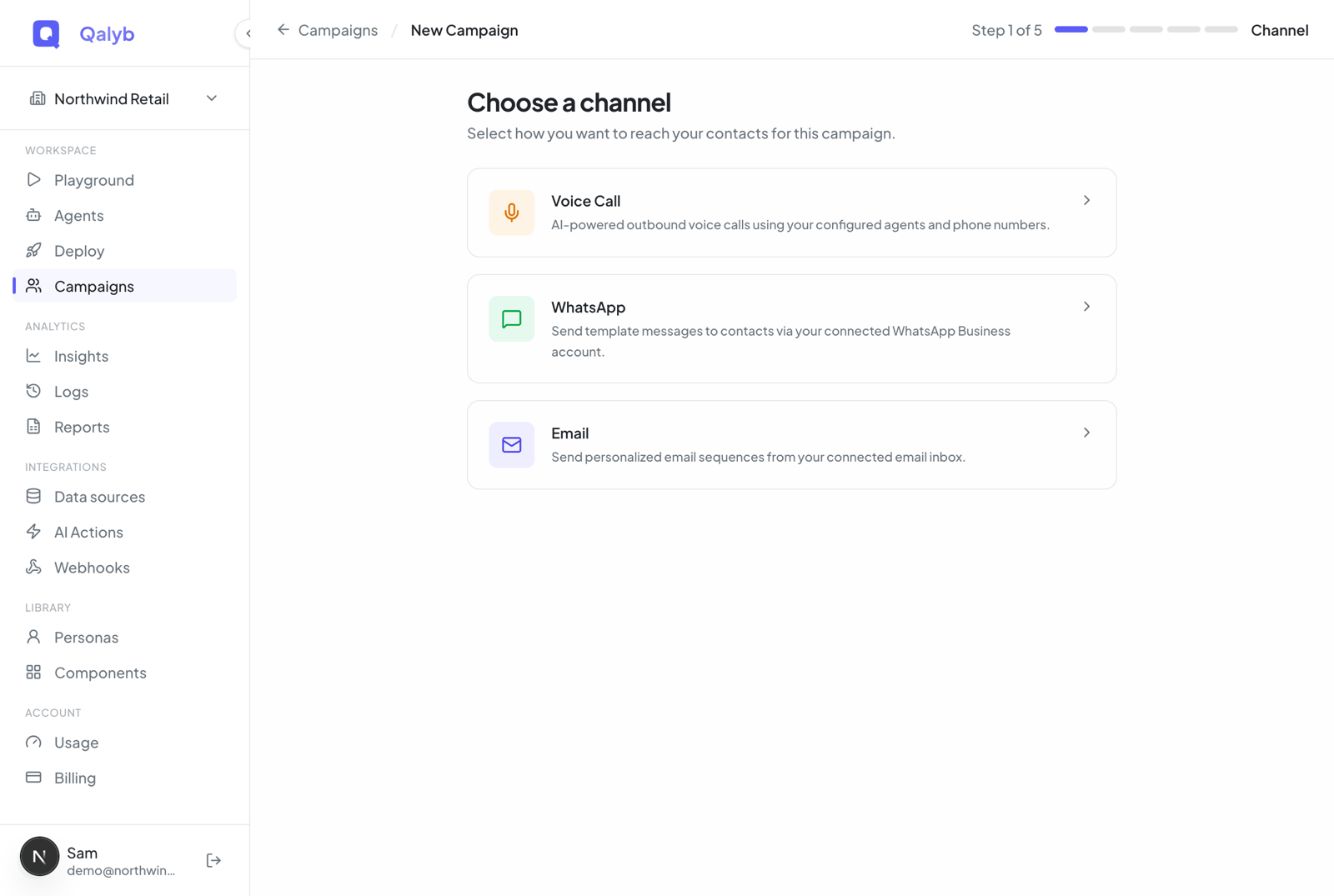
Contacts come in through the Recipients step of the campaign wizard as a CSV upload. The column Qalyb needs depends on the channel:
| Channel | Required column | What else is used |
|---|---|---|
| Voice Call | phone_number | name (optional); any extra column becomes per-contact data |
phone_number | name (optional); columns mapped to template variables |
Not sure where to start? The Template button in the Recipients step downloads a starter CSV with the right header row. A voice or WhatsApp file looks like this:
name,phone_number,booking_date,city
Amal Al-Saud,+966512345678,2026-07-02,Riyadh
Khalid Mansour,0501234567,2026-07-03,Jeddah
Noura Tariq,+971501234567,2026-07-04,Dubai
Any column beyond name and the destination becomes data attached to that contact. The agent can use it during the conversation, and messages can include it — so booking_date or order_id flow straight from your spreadsheet into what each person hears or reads.
What the preview checks
As soon as you drop in a CSV, the right-hand pane parses every row and tags it with a status. This is your chance to catch a bad export before any calls or messages go out.
| Status | What it means |
|---|---|
| Valid | The destination parsed cleanly and will be queued. |
| Assumed | A local number was converted using the Default Country — for example 0512345678 became +966512345678. Worth a glance to confirm the country is right. |
| Duplicate | Same destination as an earlier row. The first occurrence is kept and the rest are silently dropped. |
| Invalid | The phone number could not be converted to the international E.164 format. These block the launch. |
Phone numbers are checked against the Default Country you selected. GCC countries are listed first in the picker, so a Saudi local number like 05xxxxxxx resolves to +966xxxxxxx automatically.
Required agent variables
Your agent may have required prompt variables — placeholders in its instructions with no default value. Each one needs a matching CSV column, or the launch fails. The required and optional variables show as pills back in the Sender & Agent step, so you know which columns your file needs before you upload.
Keep trying: retries for voice campaigns
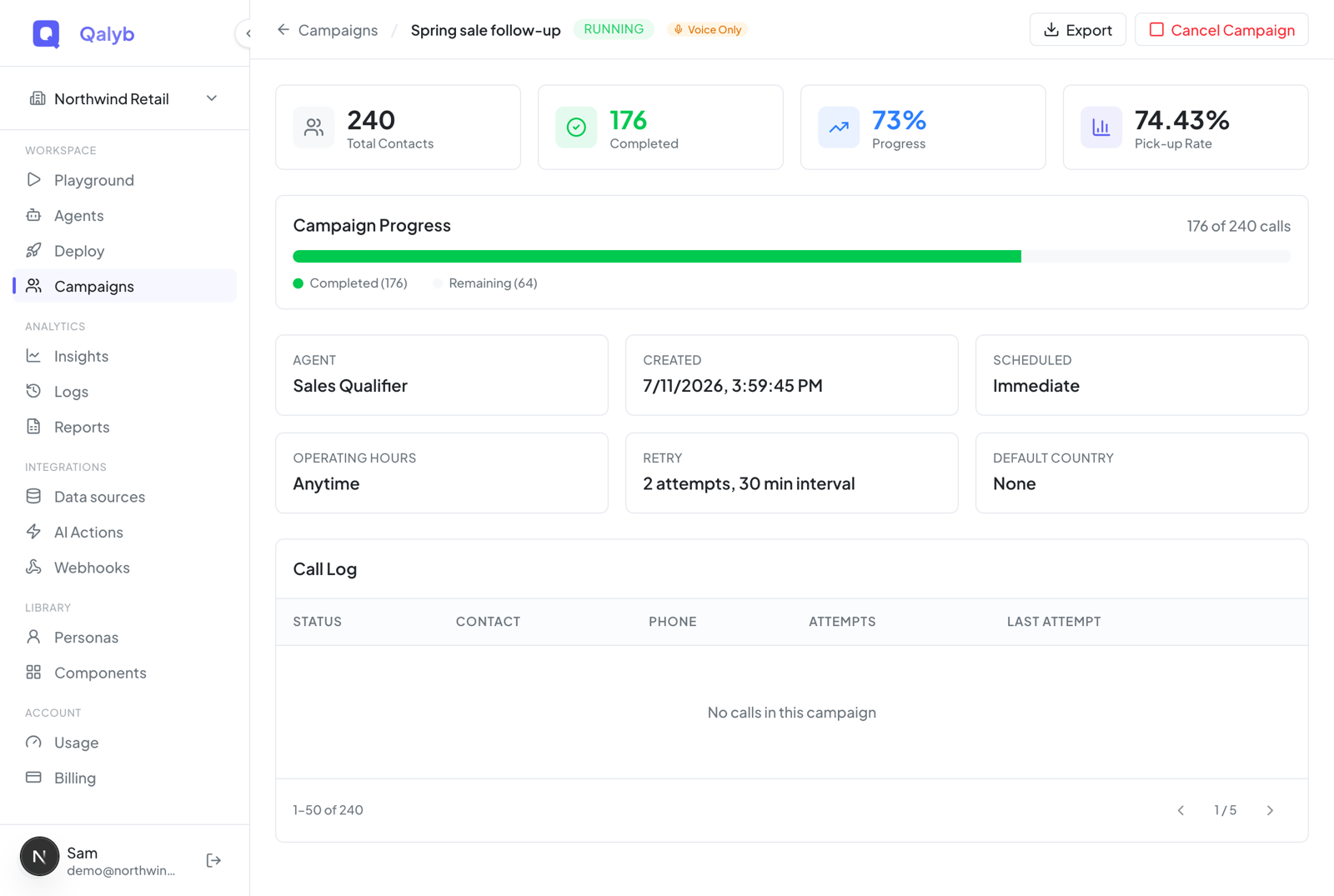
Voice campaigns reach people in real time, so persistence means redialing. In the Schedule step, turn on Retry Failed Calls and set how hard Qalyb tries:
- Max Attempts — between 1 and 5 dials per contact.
- Wait Between Retries — anywhere from 5 minutes to 24 hours between attempts.
- Operating Hours — a daily call window; attempts that would fall outside it are rescheduled instead of calling at a bad hour.
On the campaign detail page, the Call Log shows every contact with its attempt count. Rows with multiple attempts expand to reveal each dial — its number, outcome, duration, and time. A failed or unanswered call on an active campaign gets a retry button so you can re-queue it yourself.
failed or no_answer and the campaign is still active (queued or running). The Call Log refreshes itself every 5 seconds while the campaign runs.Follow-up nudges for WhatsApp
Messaging campaigns don't redial — they nudge. Turn on Follow up if no reply in the Send Rules step and a cadence builder appears. Stack up to 10 follow-up steps, each with its own wait time and message, and Qalyb sends the next nudge only if the contact still hasn't responded.
In the WhatsApp Send Rules step, toggle Follow up if no reply on.
Click Add follow-up step.
Set Wait before sending as a number plus a unit — Minutes, Hours, or Days. The minimum gap is 5 minutes; the maximum per step is 30 days.
Enter the step's own Template Name, Language Code, and any variable-to-column mappings.
Stack up to 10 steps. The final review screen summarizes the cadence as N step(s) so you can confirm before launching.
When nudges stop
Follow-ups stop automatically the moment a contact replies, opts out, bounces, or fails — this stop list is fixed and not editable per campaign. If the cadence runs out with no response, the contact is marked no response.
Watch replies come in
Once a WhatsApp campaign is running, its detail page shows a Delivery Funnel and a Delivery Log instead of the voice Call Log. The funnel shows how far each message got, with a count and percentage at every stage — Sent → Delivered → Read → Replied — and chips summarize the contacts who fell out: No response, Opted out, Bounced, and Failed.
Each recipient in the Delivery Log carries one of these statuses. They only ever move forward — a status never downgrades, and the final states don't change:
| Status | Meaning |
|---|---|
queued | Waiting in the send queue. |
sent | Handed off for delivery. |
delivered | Confirmed delivered to the device. |
read | Opened by the recipient (WhatsApp read receipt). |
replied | Final. The contact answered — handed off to the agent conversation. |
no_response | Final. The cadence finished with no reply. |
opted_out | Final. The contact asked to stop. |
bounced | Final. The message bounced. |
failed | Final. The send failed. |
A reply is the goal: it cancels any pending follow-ups and hands the conversation to your agent. The Delivery Log also shows how many follow-ups were sent per recipient and the last send time.
Adding contacts after launch
You can add more contacts to an already-running campaign — but only for voice campaigns today, and only through the API (see below). For WhatsApp, build a new campaign with the additional audience.
Stopping a campaign
Need to pull the plug? The campaign detail header has a Cancel Campaign action while a campaign is queued or running. Cancelling sets every queued and in-flight recipient to cancelled, clears all pending follow-ups, and drains the queues so nothing else goes out.
For developers
Append recipients to a voice campaign with POST /campaigns/:id/contacts. For WhatsApp campaigns it returns Adding contacts to non-voice campaigns is not yet supported:
curl -X POST https://api.qalyb.ai/campaigns/cmp_abc123/contacts \
  -H "Authorization: Bearer sk-live-..." \
  -H "Content-Type: application/json" \
  -d '{
    "contacts": [
      { "phoneNumber": "+966512345678", "name": "Amal Al-Saud", "data": { "booking_date": "2026-07-02" } }
    ]
  }'
Re-queue a single failed or no-answer call on an active campaign — the same action as the Call Log's retry button:
curl -X POST https://api.qalyb.ai/campaigns/cmp_abc123/calls/call_789/retry \
  -H "Authorization: Bearer sk-live-..."
On create, POST /campaigns rejects lists containing invalid rows and returns them as invalidContacts; a contact missing a required agent variable fails with Contacts are missing required agent variables.